

Staying Safe Online: Practical Steps for the Irish Digital Landscape
10 min read
All Levels
April 2026
The Irish digital landscape is changing fast. Every day, we're spending more time online — banking, shopping, working, connecting with friends. But with that opportunity comes real risk. Cybercriminals aren't sitting still, and they're getting smarter about how they target everyday users.
The good news? You don't need to be a tech expert to stay safe. Most breaches don't happen because of complex hacking. They happen because of simple mistakes — weak passwords, unpatched software, clicking links we shouldn't. We're going to walk you through the practical steps that actually work, tailored to how Irish people use the internet today.
Passwords: Your First Line of Defence
Your password is like the key to your house. A weak one? It's basically a cardboard cutout. We've all been guilty of using something simple — "password123" or your birth year. It's tempting because it's easy to remember. But that's exactly what makes it dangerous.
1
Use 12+ characters
Mix uppercase, lowercase, numbers, and symbols. Something like "Tr0pic@lDawn42!" is exponentially harder to crack than "summer2024".
2
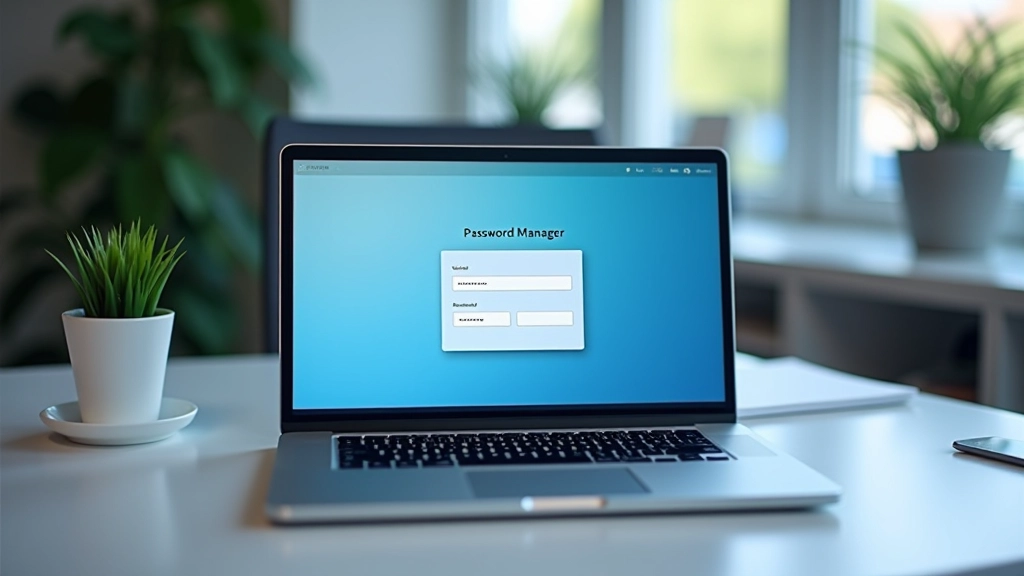
Use a password manager
Apps like Bitwarden, 1Password, or KeePass store strong passwords safely. You'll only need to remember one master password. That's actually manageable.
3
Never reuse passwords
If one site gets hacked, criminals try that password everywhere. You'll see data breach notifications for sure. One unique password per account means you're protected.
Two-Factor Authentication: Your Second Layer
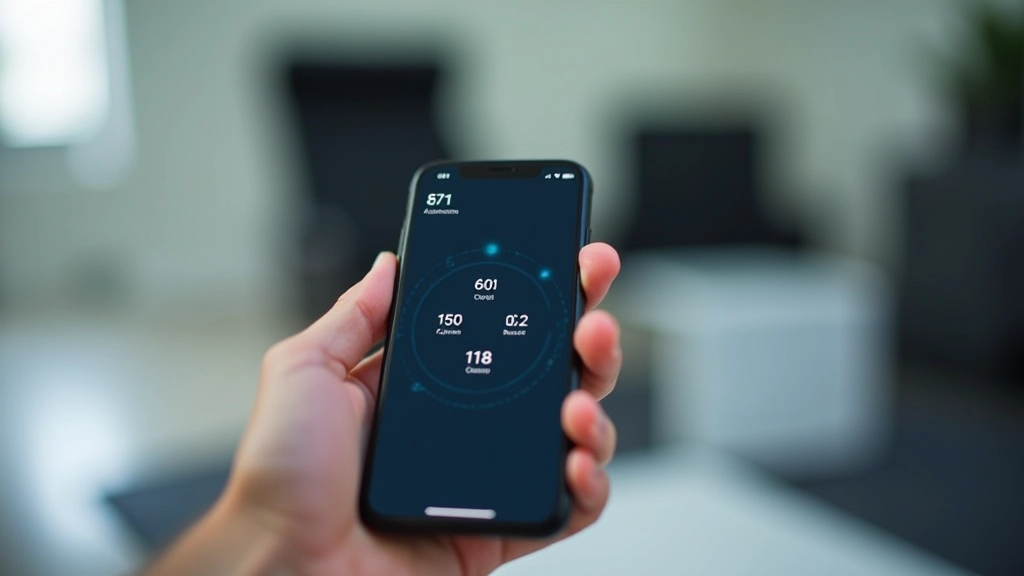
Two-factor authentication — or 2FA — means you need two things to log in. Usually your password plus something else. A code from your phone. Your fingerprint. A physical key. It sounds like a hassle, but it's genuinely one of the best defences you've got.
Here's why it matters: Even if someone cracks your password, they can't get in without that second factor. Most banks in Ireland now offer this for online banking. Your email provider probably does too. It's not optional anymore if you're serious about staying safe.
Authenticator apps
Google Authenticator, Microsoft Authenticator, Authy. They generate codes that change every 30 seconds.
SMS or email codes
Convenient but less secure than authenticator apps. Still better than nothing.
Security keys
Physical USB keys like YubiKey. Strongest option. Most secure, but requires carrying a small device.
Spotting Phishing: The Most Common Attack
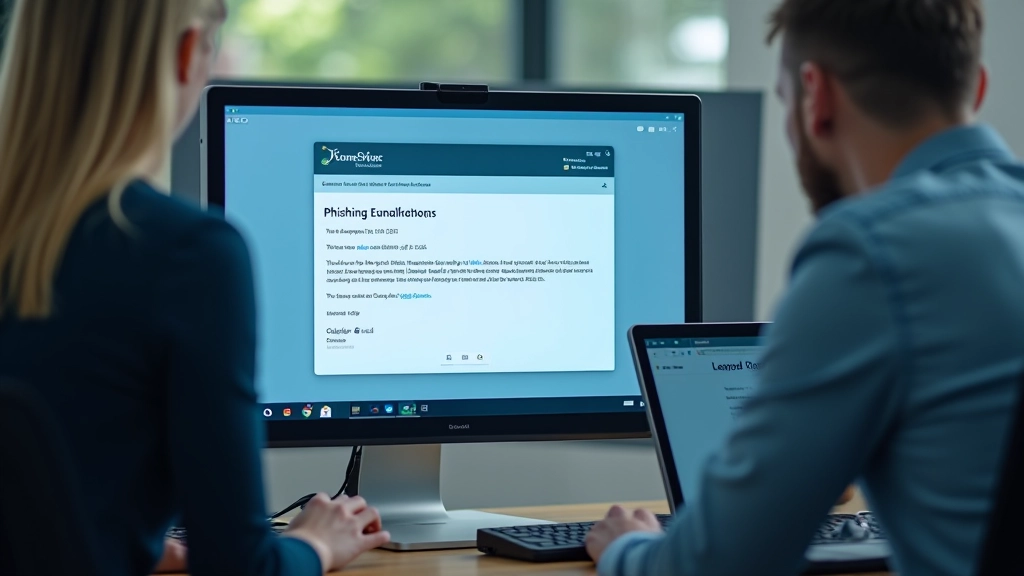
Phishing isn't complicated. Someone sends you an email that looks like it's from your bank, your email provider, or a service you use. They ask you to click a link and "verify" your details. The email looks legit. The link looks real. But it's not.
Red flags to watch for:
- Sender email address doesn't match the company grestivex (e.g., "[email protected]" instead of @paypal.com)
- Urgent language: "Verify immediately" or "Your account will be closed"
- Asking for sensitive info via email (no legitimate company does this)
- Generic greeting like "Dear User" instead of your name
- Links that don't match the text (hover over to see the real URL)
When in doubt, don't click. Instead, go directly to the website by typing the URL into your browser. Call the company's official number. Contact them through their official app. Take 30 seconds to verify. That's all it takes to stay safe.
Software Updates: The Unsexy Defence That Actually Works
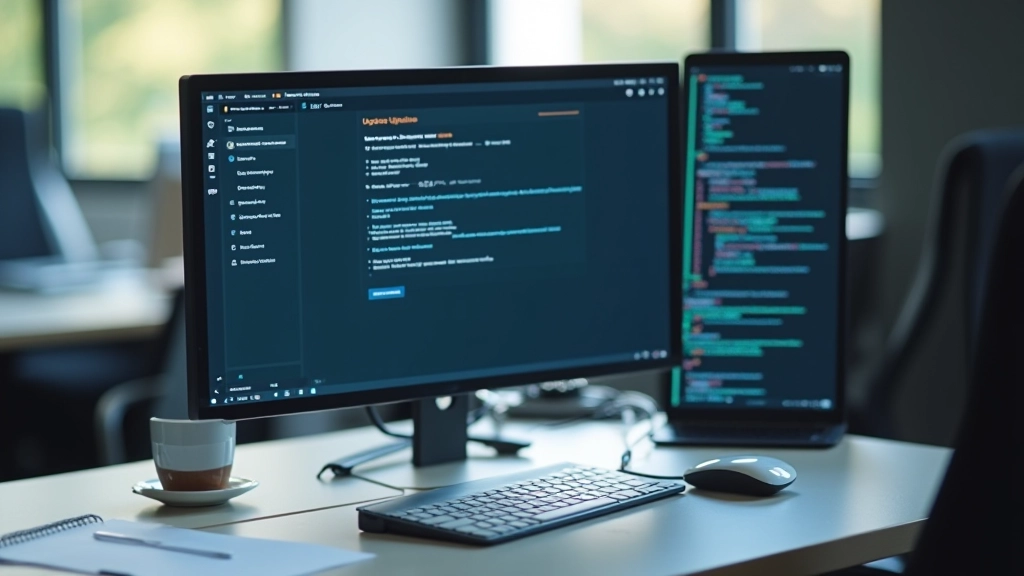
You know that notification saying your phone or laptop needs an update? The one you've been ignoring for three weeks? Stop ignoring it. Updates aren't just about new features. Most of them patch security vulnerabilities — holes that hackers exploit.
Windows/Mac OS
Turn on automatic updates in settings. You shouldn't have to think about this. Your operating system should patch itself while you sleep.
Mobile phones
iPhone and Android both offer automatic updates. Enable them. Security patches for phones happen frequently because mobile devices are targeted constantly.
Apps
Keep your apps updated too. That old version of Spotify or Twitter sitting on your phone? It might have known vulnerabilities. Update regularly.
Browsers
Chrome, Firefox, Safari, Edge — they all update regularly. You're probably already getting automatic updates, but check your settings to be sure.
WiFi Security: Protect Your Home Network
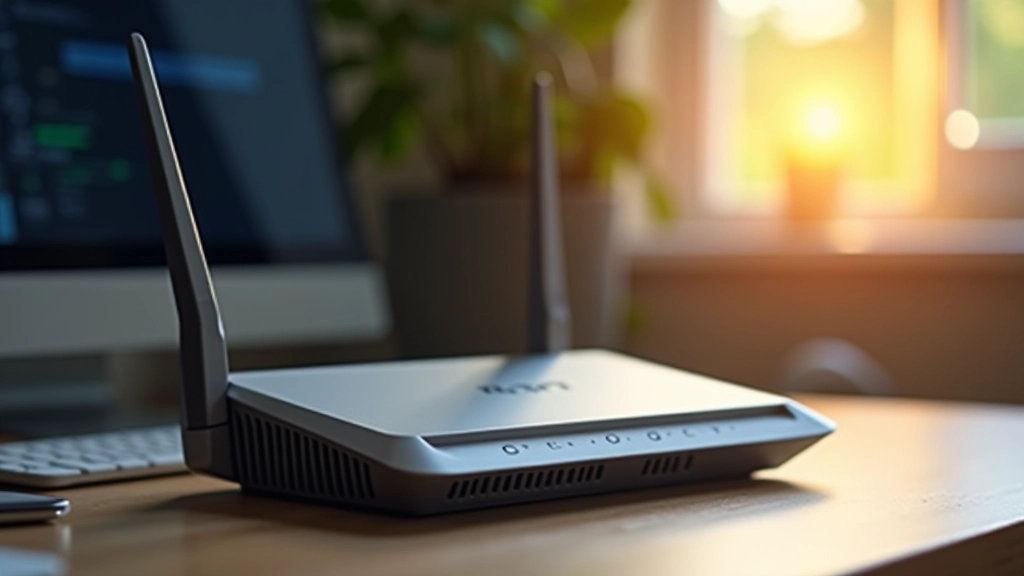
Your home WiFi is the gateway to everything. Your laptop, phone, smart TV, smart home devices — they're all connected. If someone gets into your WiFi network, they can see the traffic between your devices and the internet. That's a serious problem.
✓
Change your WiFi password
Default passwords are public. Log into your router settings and create a strong, unique password.
✓
Use WPA3 encryption (or WPA2)
Check your router settings. Older WEP encryption is basically useless. WPA3 is the latest standard. WPA2 is acceptable.
✓
Update your router firmware
Router manufacturers release updates to patch vulnerabilities. Check the router's admin panel quarterly.
✓
Hide your SSID (optional)
This makes your network name invisible. Adds a tiny layer of obscurity, though determined attackers can still find it.
Staying Safe Means Being Consistent
None of these steps are complicated. Strong passwords, two-factor authentication, spotting phishing, updating software, securing your WiFi — they're all straightforward. The challenge isn't understanding them. It's doing them consistently, day after day.
Start with one or two. Set up 2FA on your email and banking first. That's the biggest immediate improvement you can make. Then work through the others. You don't need to do everything at once. Small changes add up. After a month or two, staying safe online won't feel like effort — it'll be your normal routine.
The Irish digital landscape isn't getting simpler or safer on its own. But you can make your corner of it significantly more secure. You just need to be intentional about it.
Disclaimer
This article provides general educational information about online security practices. It's not personalised security advice for your specific situation. Cybersecurity threats evolve constantly, and what's recommended today might change tomorrow. For critical security decisions — especially involving financial accounts, healthcare data, or business systems — consult with a qualified cybersecurity professional or your organisation's IT department. Laws regarding data protection and cybersecurity vary by jurisdiction and organisation. Always verify current requirements with official sources relevant to your circumstances.

Síle O'Connor
Senior Cybersecurity Editor
Senior Cybersecurity Editor at grestivex Limited with 14 years of experience in information security and GDPR compliance across Irish enterprises.